MODELING-MATERIALS
Weekly Design Challenges
Cole Norman
Module 1
FIRST WEEK OF CLASS: THE BASICS OF C4D
Objects
Easy Objects
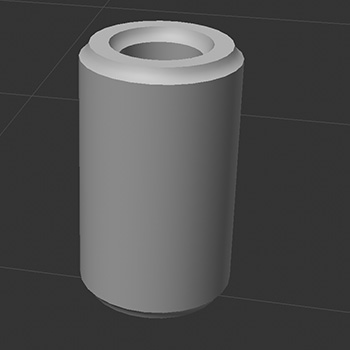
- Pop can
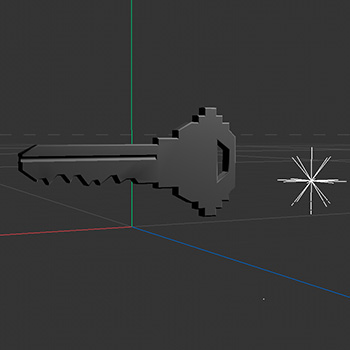
- Door key
- Pen
- Banana
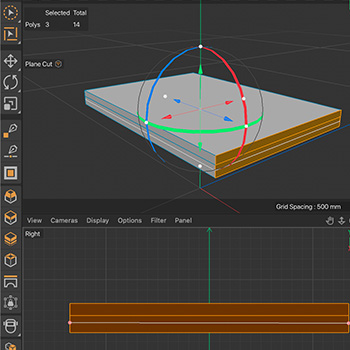
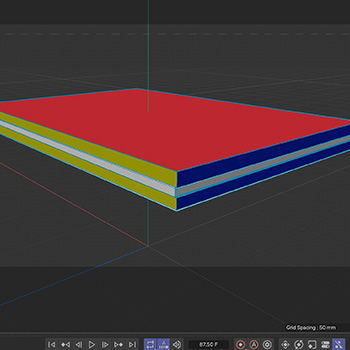
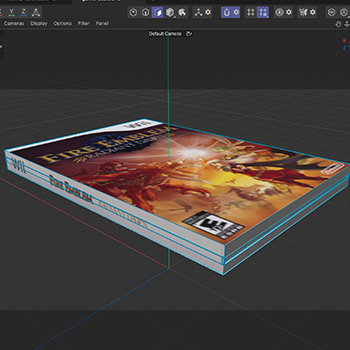
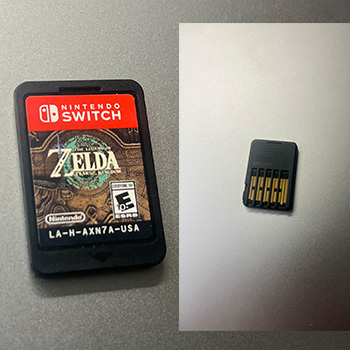
- PS5 game case
- Pencil case
- Oreo cookie
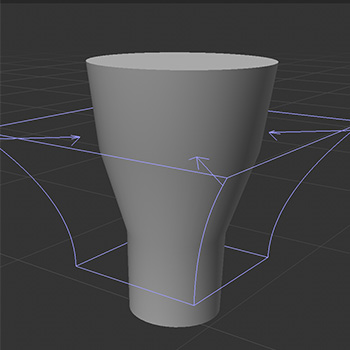
- Lamp
Hard Objects
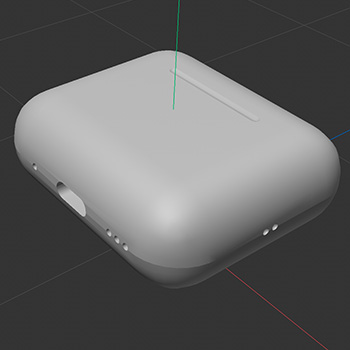
- AirPods case
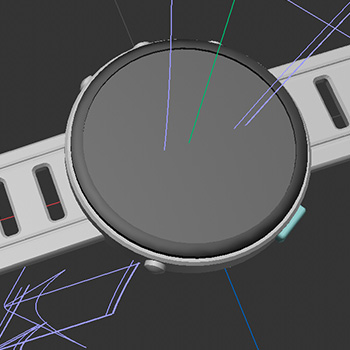
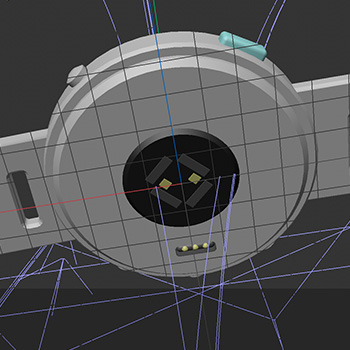
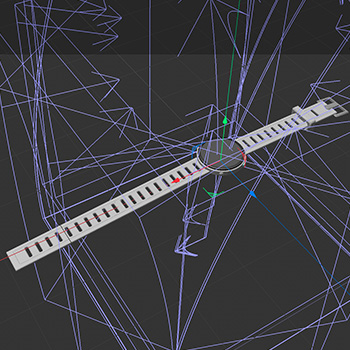
- Garmin watch
- Desktop monitor
- DualSense controller
- iPhone 13
- Race medal
- Running spikes
- Loaf of bread
AI Use
AI was used only to create portions of the website, including hover states and animations. Below are the prompts:
- When you hover over each image, enlarge it by 15% and have it follow the cursor within the image box. When the cursor leaves, return the image to its regular size with a simple ease-in and ease-out animation.
- When hovering, place the image above everything else on the screen and add a drop shadow below it.
- Make the hover animation faster.
- Add a thin white border that fades and spirals around the image edge on hover, then spirals away when the cursor leaves.
- the body copy in the main content spans too far across the screen. Can you break it up into two columns where it lists the objects on the left and then on the right it talks about AI
Design Challenge 1
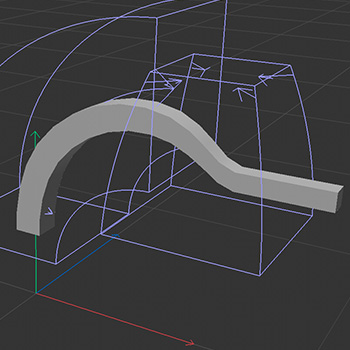
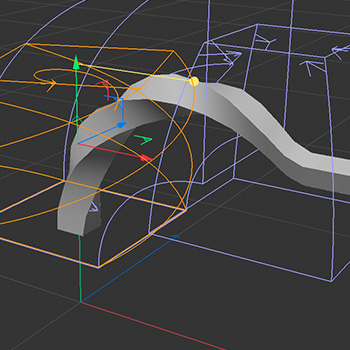
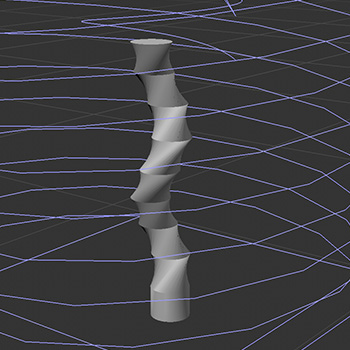
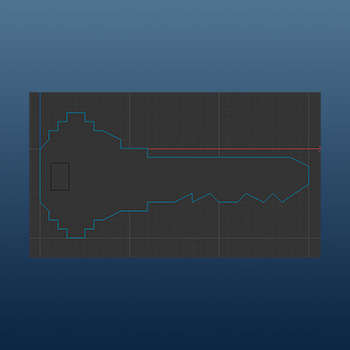
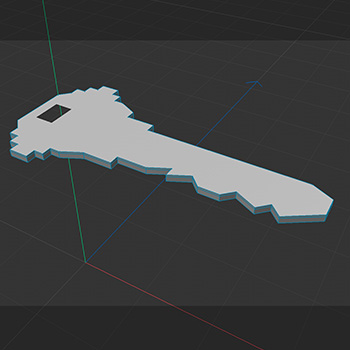
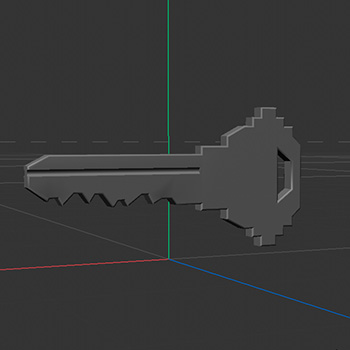
Design Challenge 2
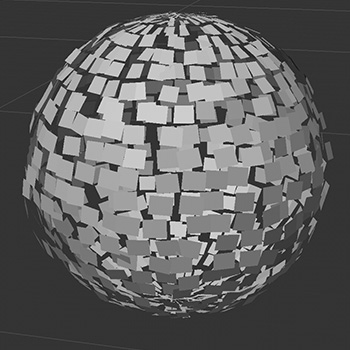
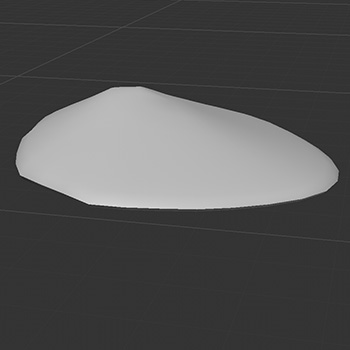
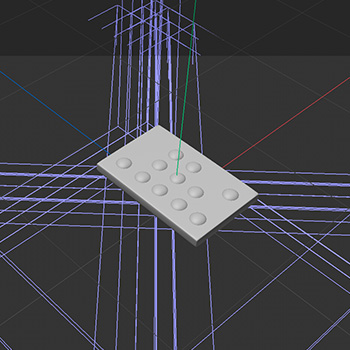
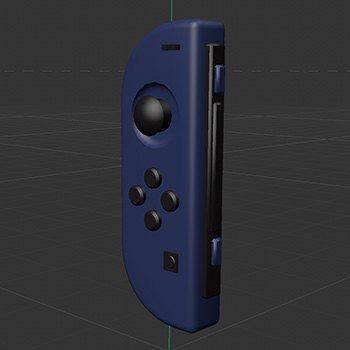
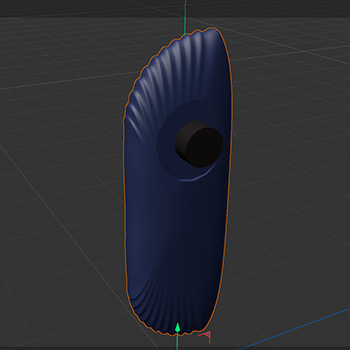
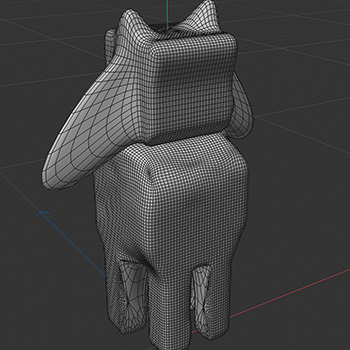
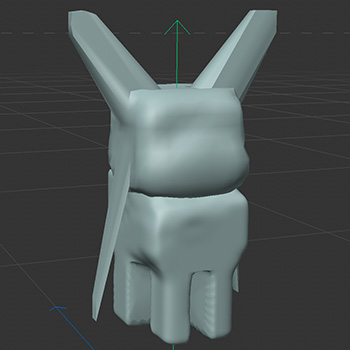
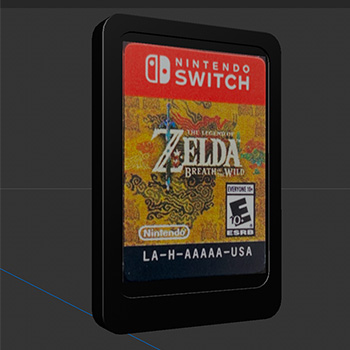
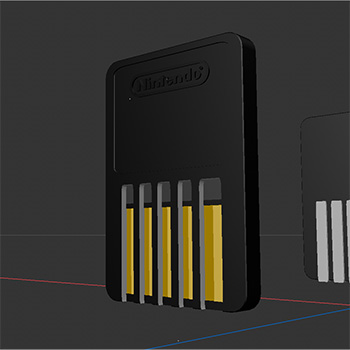
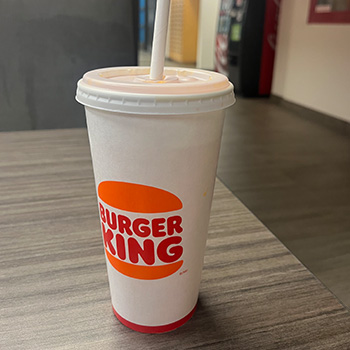
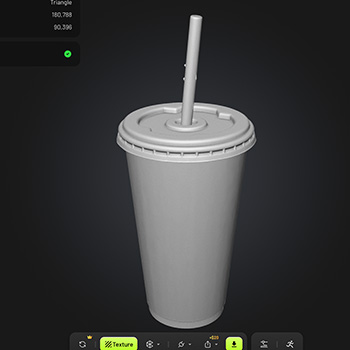
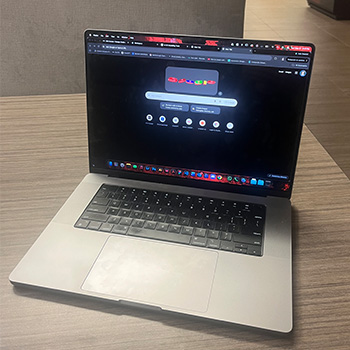
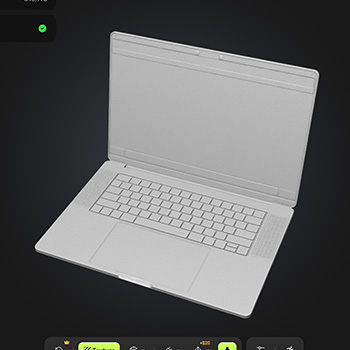
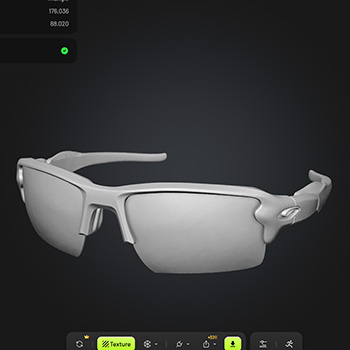
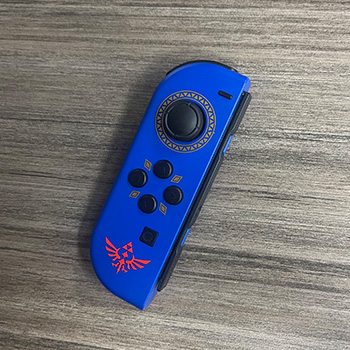
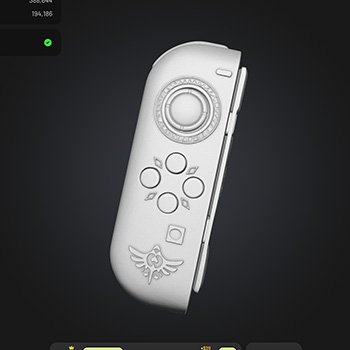
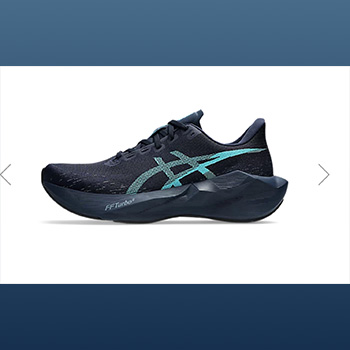
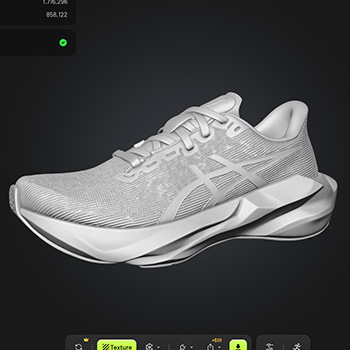
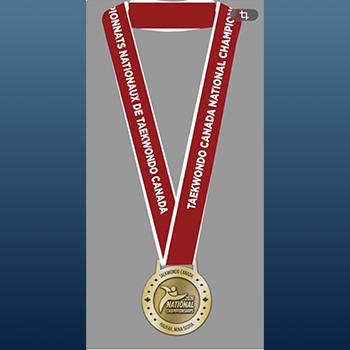
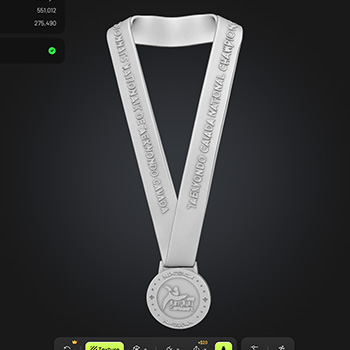
AI was used in this challenge to assess what it is possible to do, or not do, when generating objects. I used Meshy.ai, using the Meshy 7.1 Flagship model, to generate certain objects. I will have a tag under each generated object to signify that it was not created by me.

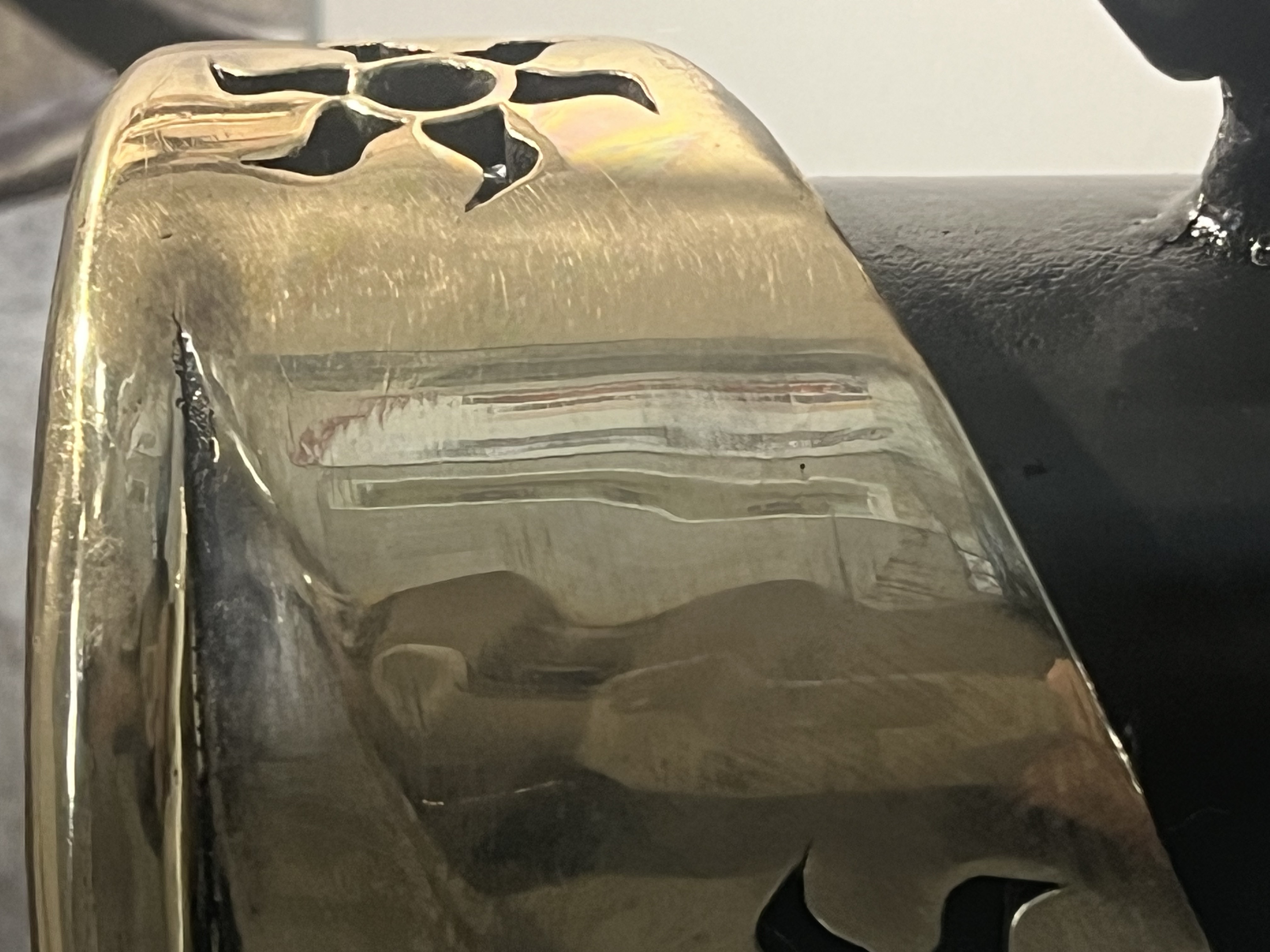
Material Workshop 1
For this workshop, I did not really have any specific goals
in mind for what I wanted to find. I was just searching
around the AA wing for interesting materials. One cool thing I found
was this metal sculpture that really reflects light as it is very polished.
Material Workshop 2
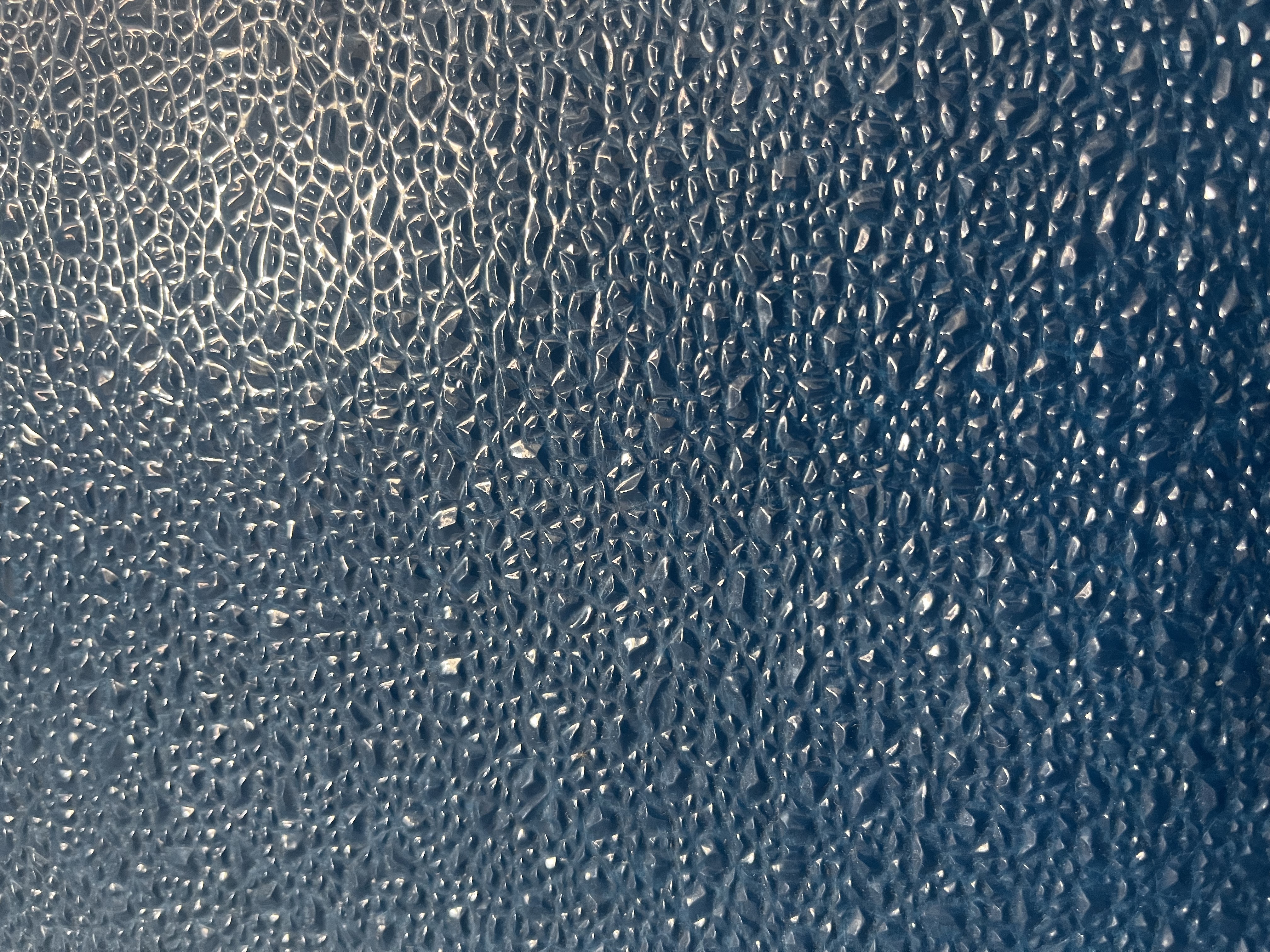
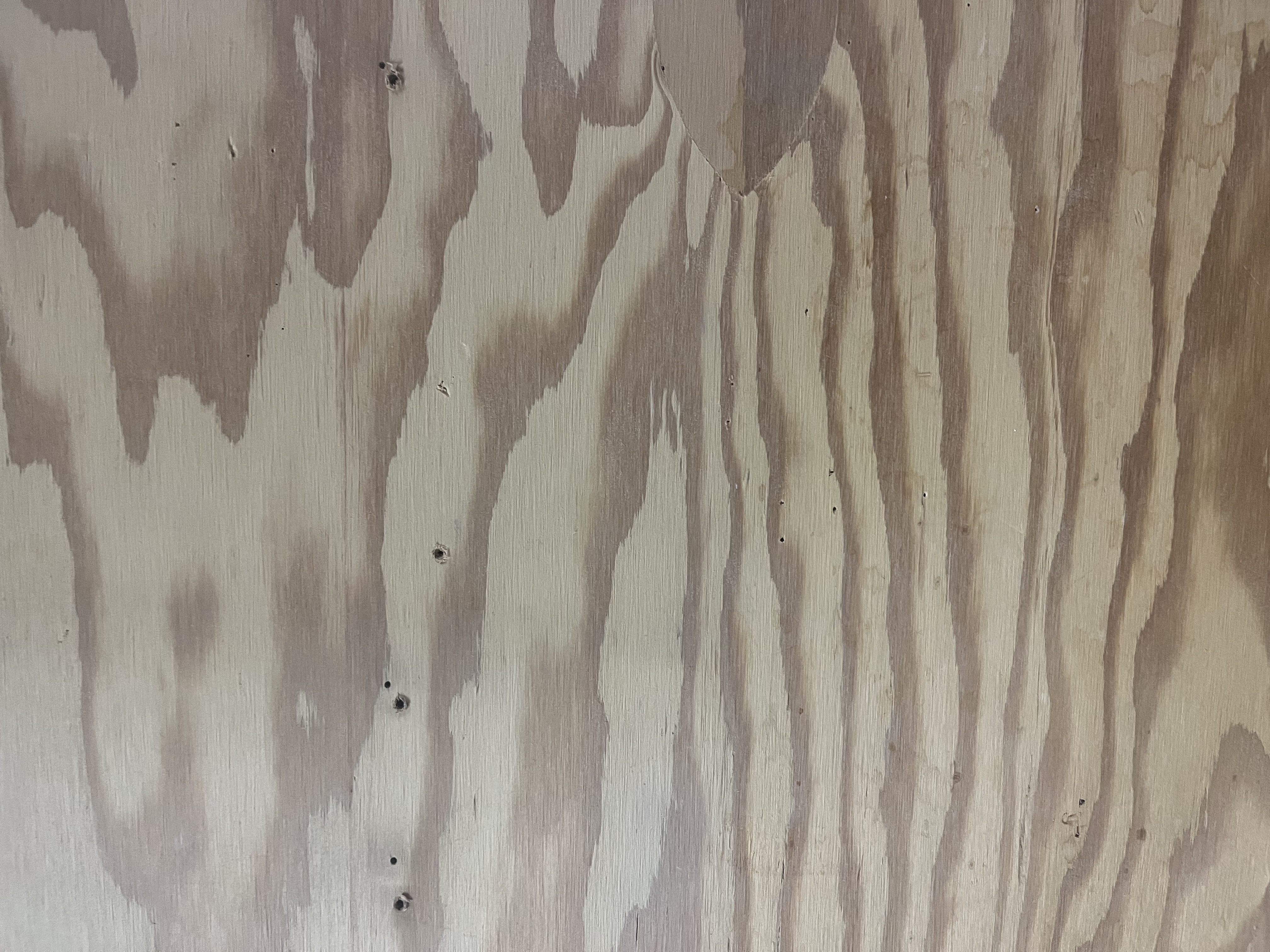
In this workshop, I searched through Adobe Stock
for materials that would be good to use for my final three objects.
These three materials are quite unique as they all reflect light very differently.



Project 1
Project 1 Models
Published 3D Model 1
Explore the Garmin watch model by dragging to orbit and scrolling to zoom.
Garmin Forerunner 165 smartwatch
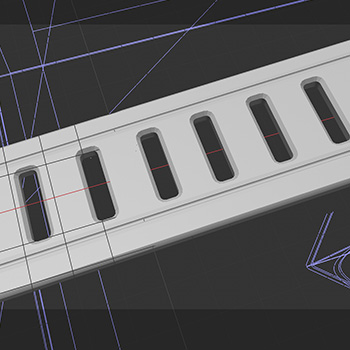
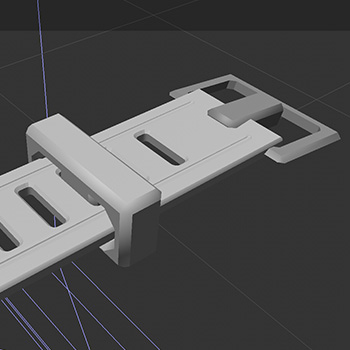
I worked on this object throughout the entire project. I went back and reworked it over time as I learned more skills. This watch is quite complicated in that there are many small parts that make up the larger object. This watch uses a lot of booleans to subtract space in each hole. I also had some struggles trying to get the textures to work properly. Eventually, I was able to get it working correctly. I find it weird that they don’t default your render settings to “default” automatically.
Published 3D Model 2
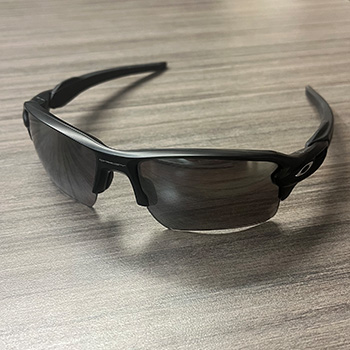
Explore the Oakley glasses model by dragging to orbit and scrolling to zoom.
Oakley Glasses
This one was quite interesting to figure out. I was determined to learn how to make them as they seemed like such a complex shape to get right. This object was made using a lot of planes and extrusions. I used the symmetry tool to efficiently make this object. Once again, I was struggling to get my texture to be transparent. I had to watch a few tutorials to get it right.
Published 3D Model 3
Explore the Ottawa Race Weekend 10K medal by dragging to orbit and scrolling to zoom.
Tamarack 10k Medal
I set a challenge for myself here. I wanted to do this without just dropping an illustrator file in for the building. (I did it for the logo). The whole idea for doing this was to get used to working with many shapes at once. Even if they weren’t necessarily complex shapes, having to scale it correctly to the perspective was quite challenging.
I never did figure out how to trace the text like it is done in the real medal. Though what I have done felt like the next best option, as it shows the depth.
AI prompts used for code:
can you place this into the website. I want to be able to move around in it this is published 3d model 1
can you add a slider to make the background lighter and darker.
now do the same with the oakley glasses. but this one goes in model 2 spot
Ok i like this. but now make it so you can keep scrolling through the webpage without getting stopped by moving the mouse over the 3d element. Maybe add a button that allows you to move it around. only show this when hovering over the box
do this ofr a third time. now placing this Ottawa Race Weekend 10k medal in the 3rd 3d model spot below the glasses
can you make it so I can go full screen for each one
can you change the numbers to not be old style
can you fix the line length too. it should only be 55 characters long max